
In the ever-evolving world of Marvel Rivals, fostering camaraderie among players is just as important as mastering your favorite hero’s abilities. Have you ever watched a friend dominate the battlefield with their main character and thought, ‘They would look even more epic with that new skin’? Well, in 2026, the developers have made it wonderfully simple for players to indulge each other through the joy of gifting. Whether you’re celebrating a friend’s birthday, thanking a reliable teammate, or simply feeling generous, sending a skin is a fantastic way to strengthen your alliances and show appreciation.
How Does the Gifting System Work?
The process is designed to be intuitive and player-friendly. But what exactly can you gift? Players have the freedom to send any cosmetic item available for direct purchase. This includes individual hero skins and bundles prominently featured in the rotating Item Shop. However, it’s crucial to note a key restriction: items exclusive to the Battle Pass cannot be gifted. This ensures the prestige and exclusivity of seasonal rewards are maintained. So, before getting too excited, always check if the desired outfit is currently featured in the shop!
A Step-by-Step Guide to Sending Your Gift
Ready to make someone’s day? The procedure is straightforward, provided you have the necessary in-game currency (Credits) ready. Let’s walk through it:
-
Access the Store: Launch Marvel Rivals and navigate to the Store tab from the main menu.
-
Select Your Gift: Browse through the available items and click on the specific skin or bundle you wish to send. Once selected, look carefully at the purchase options.
-
Find the Gift Icon: Next to the item’s price, you should see a special gift icon. This is your gateway to generosity! Click on it.
-
Choose Your Recipient: The game will now open a window displaying your friends list. Simply select the lucky friend you want to receive the cosmetic.
-
Personalize Your Message (Optional): You’ll then be taken to a final confirmation screen. Here, you have the option to add a personal note. A simple “Happy Birthday!” or “Great play last match!” can make the gift even more meaningful.
-
Complete the Purchase: Ensure you have enough Credits in your account. Confirm the transaction, and your gift is instantly on its way!
Isn’t it remarkable how a few clicks can bring so much joy to a fellow player?
What Happens After You Send a Gift?
Once the transaction is complete, the system handles the rest seamlessly. The sender receives an automatic confirmation notification, which can be found in their in-game mailbox located at the top-right corner of the menu. This serves as your receipt.
For the receiver, the experience is equally smooth. They will receive a notification about the incoming gift. To claim it, they simply need to visit their own mailbox. There, they can accept the gift, and the new skin will be immediately added to their collection, ready to be equipped for their next match. Imagine the surprise and delight of logging in to find a fantastic new look for your main hero waiting for you!
Why Gift Skins in 2026’s Marvel Rivals?
Beyond the obvious act of kindness, gifting serves multiple purposes in today’s gaming ecosystem:
-
Strengthens Team Bonds: A coordinated team that looks good often feels more united. Gifting matching or thematic skins to your squad can enhance team spirit.
-
Celebrates Milestones: It’s the perfect way to acknowledge a friend’s in-game achievement or a real-world occasion.
-
Enhances Personalization: Allowing friends to gift skins they think suit your playstyle adds another layer of personal connection to your hero’s appearance.
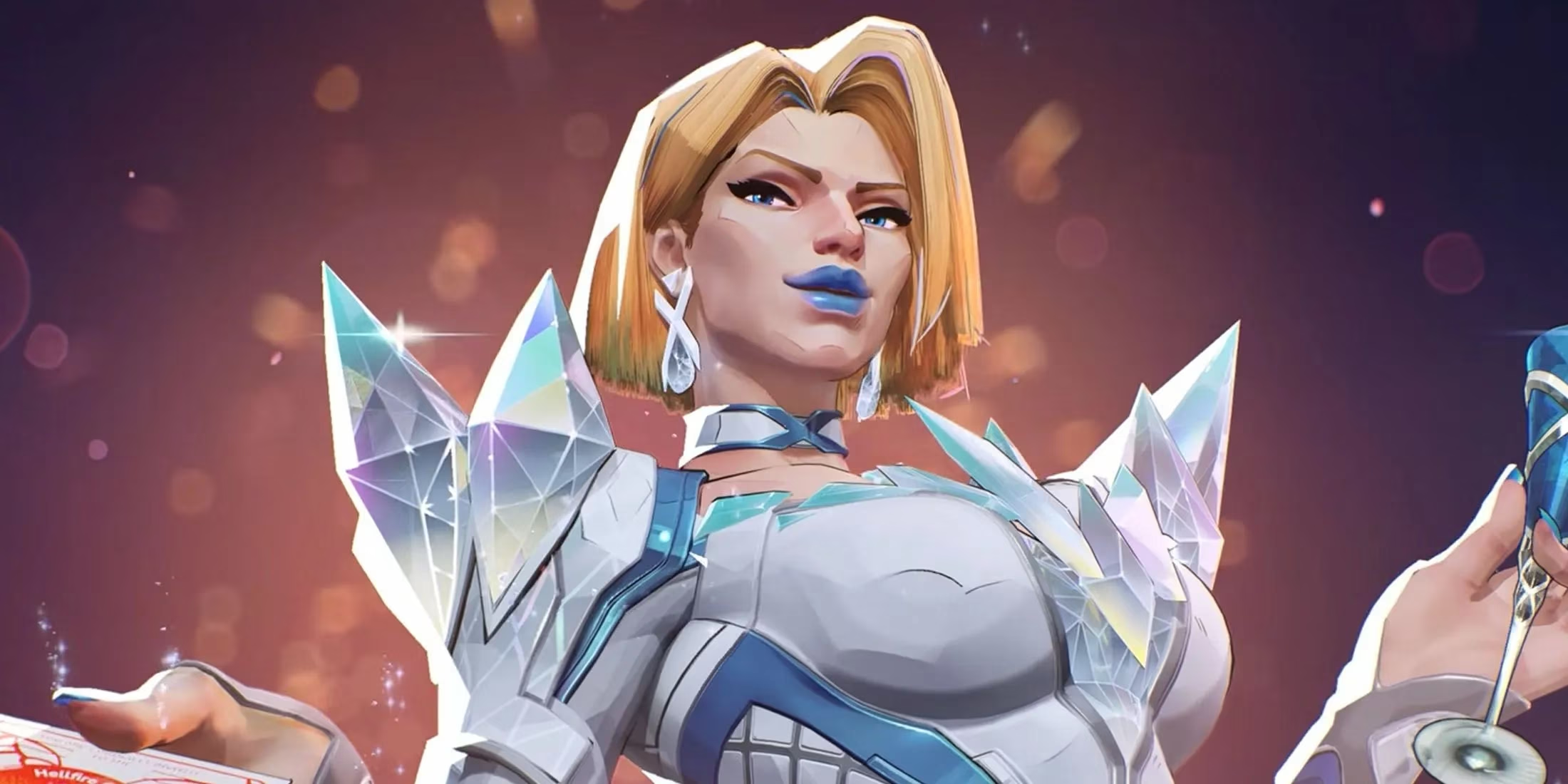
So, the next time you’re in the Item Shop, why not take a moment to consider your friends list? That stunning Emma Frost skin or that classic Captain America outfit could be the perfect token of your virtual friendship. After all, in the battle against evil, shouldn’t we all look our absolute best?